

MAiKE for agencies and brand teams
Banner production that starts from one product page. MAiKE reads the brand, logo, colours, products and images, builds a working HTML5 banner in every format you choose, and checks each one before you see it.
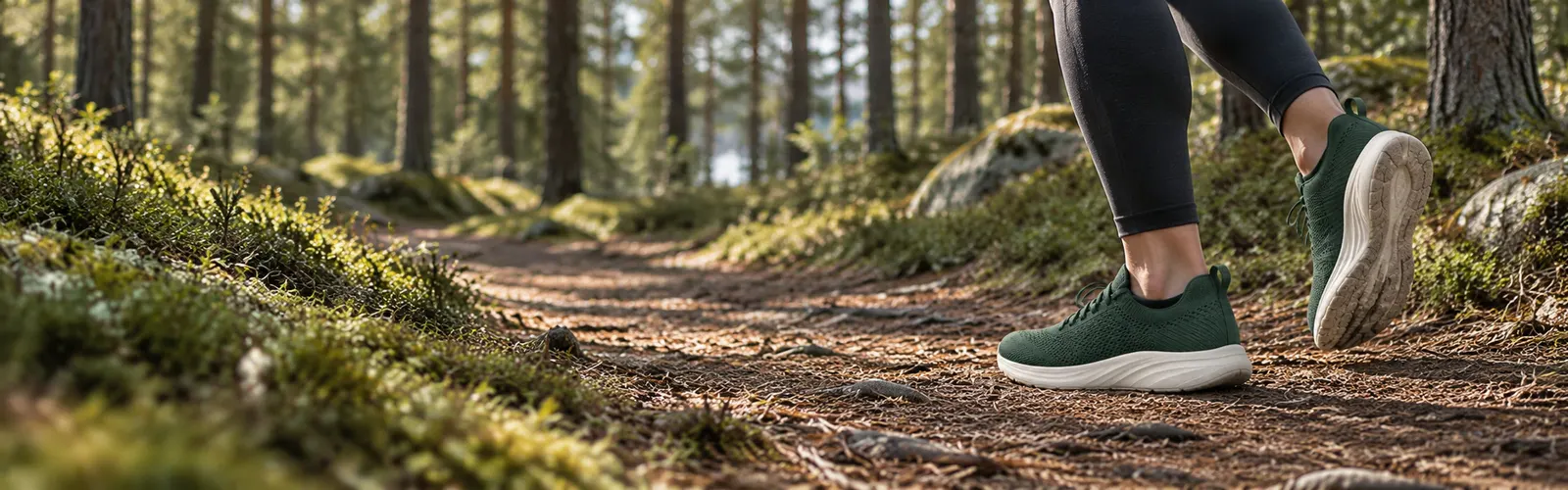
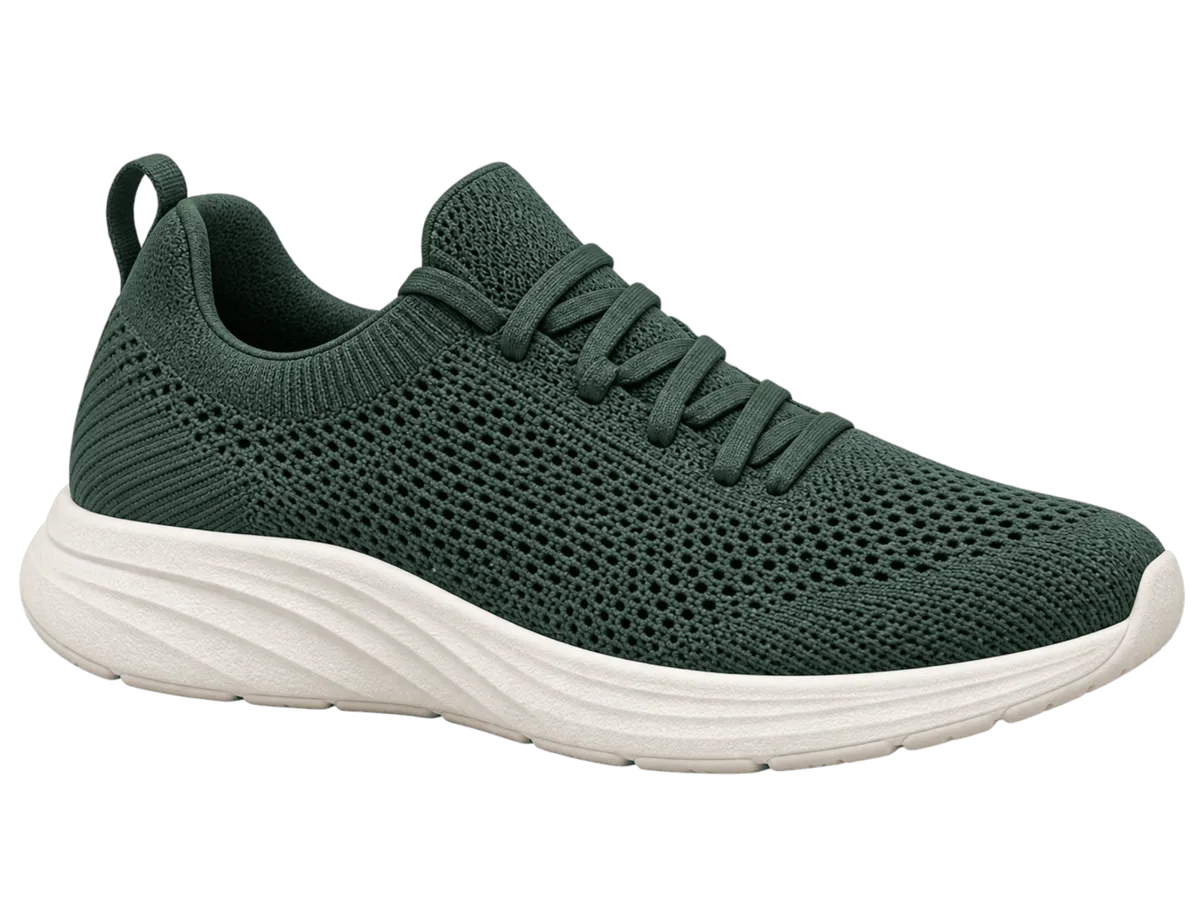 Trail Knit1 499 kr
Sample banners for made-up brands.
Paste the link to a product, campaign or landing page, one link per banner, and add a line of direction if you have one. MAiKE reads the brand, logo, colours, products and images.
Brand identity discovered
Palette
Product
Trail Knit1 499 kr
Images
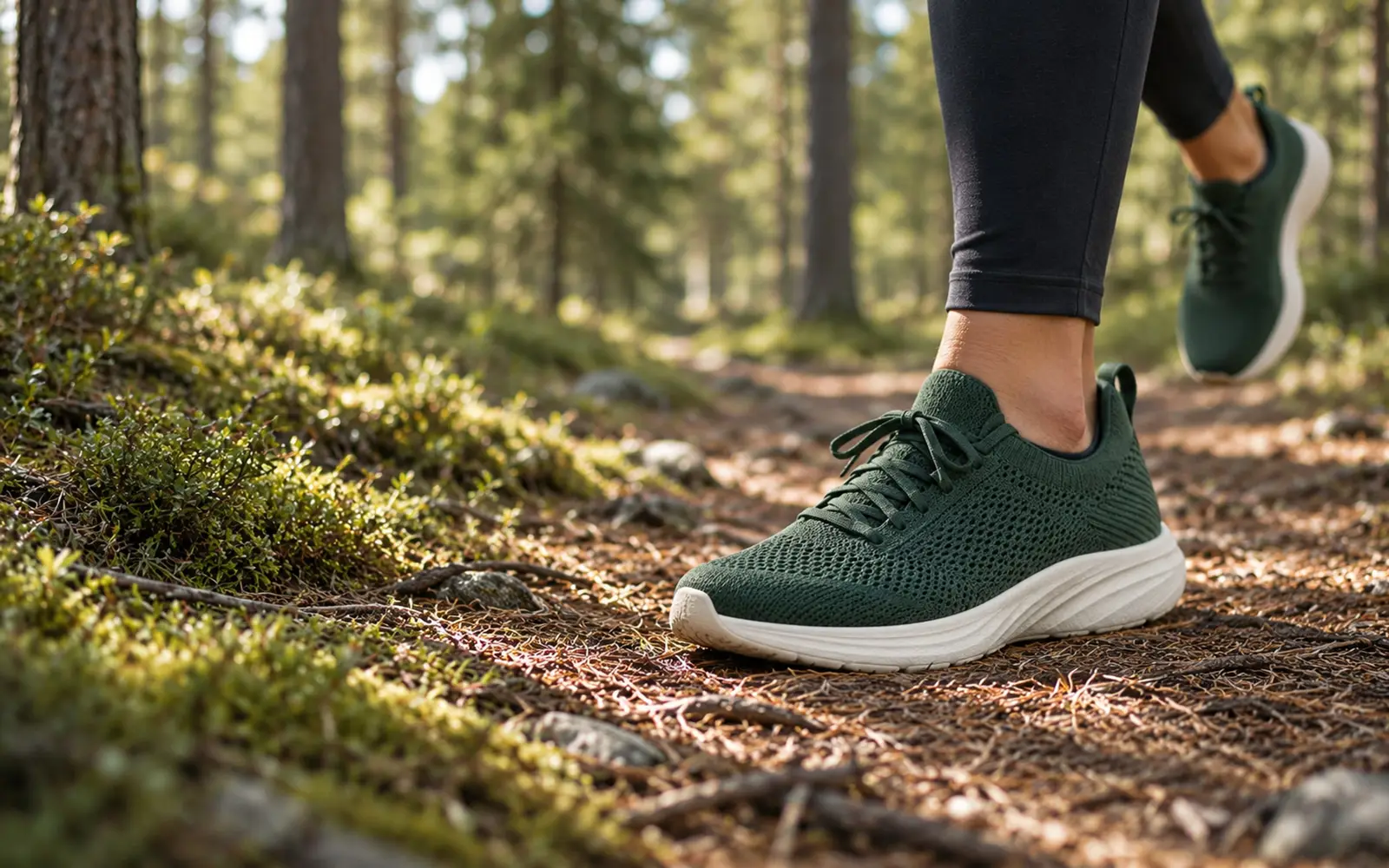
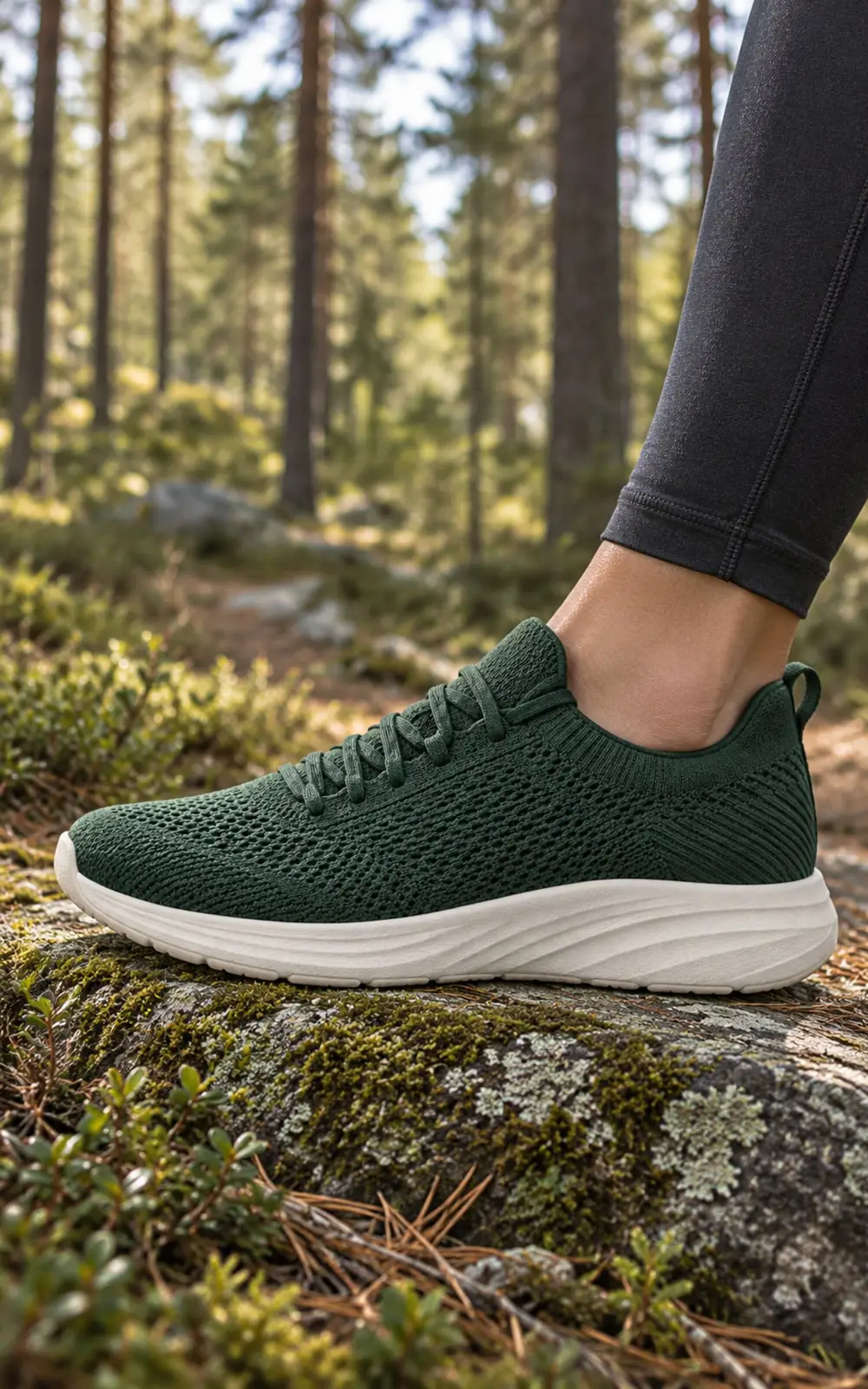
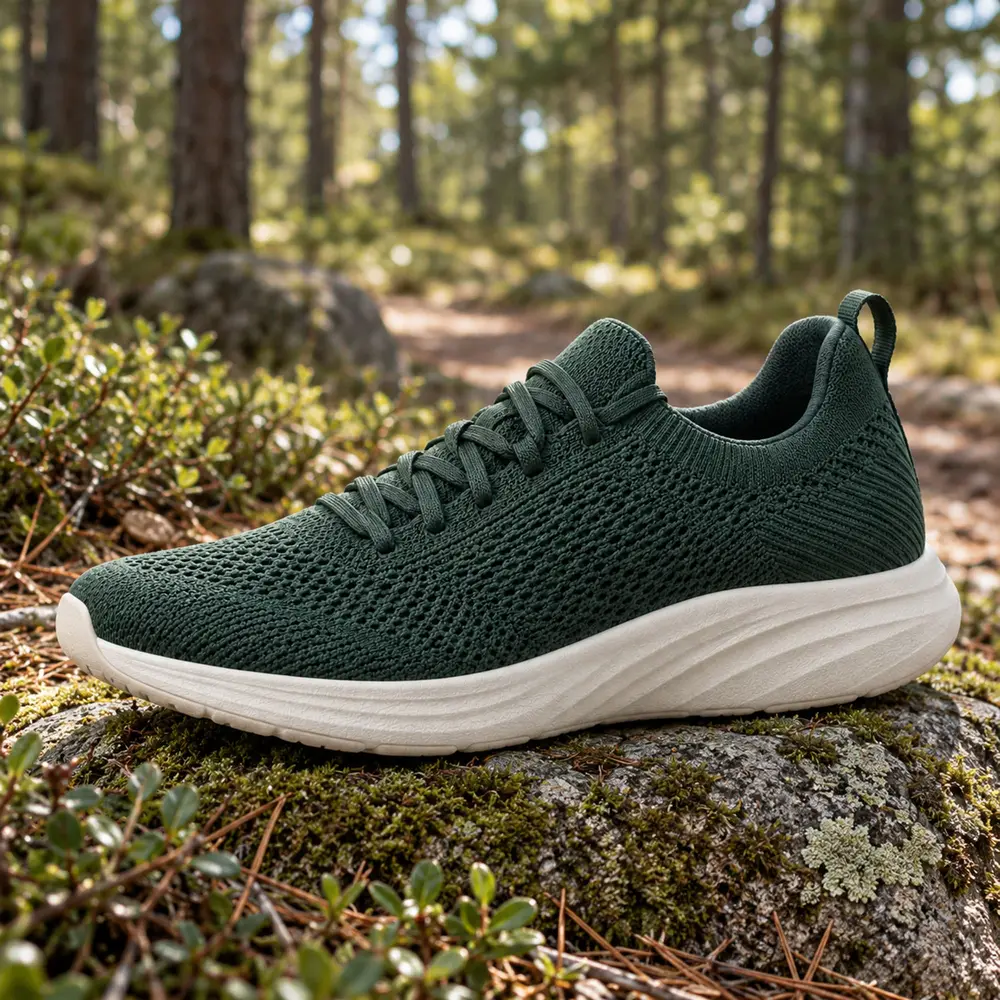
Change the line and send it again.
The default is All formats, every standard size. Or pick High impact, Standard in-page or sizes of your own.
Choose a size family or guide MAiKE toward a specific format.
Standard size families
Add or remove formats later by asking in the chat, for example “add 320×320”.
8 formats · All formats · sample
Workspace instructions hold the house style, things to always or never do, for everyone in the workspace. Only admins can change them; each person keeps a private Your taste.
People
 Anna Lind YouWorkspace admin
 Jonas Berg YouMember
Your tasteOnly for you, in every workspace.
Clean, minimal layouts; short punchy headlines.
Keep prices large and close to the button.
MAiKE looks at every new banner, and every change you ask for, in each format the way a designer would, and fixes what’s off. What’s left becomes a suggestion; nothing is applied unless you choose it.
The button reads small at this size. Make it a little bigger.
 MAiKE
· your creative partnerSample
MAiKE
· your creative partnerSample
Your banners are ready. I checked every format and fixed two things. One suggestion is left for the Vertical; it’s yours to apply or dismiss.
Double-click the headline in any format and type.
Double-click a headline, price or button in any format and type: every format follows. Or ask in the chat, in your own words. Every change makes a new version, so nothing is overwritten.
Inside a session, changes, new versions, edits and images are free.
Point at the label to open it.
A MAiKE badge in the banner that opens a short note on how AI was used. MAiKE adds it when AI imagery could pass for a real photo; you can switch it off.
Changes apply at once and don’t make a new version.
MAiKE follows the AI Act’s transparency rules (Article 50) by default. When an AI-made image could pass for a real photo, it adds a small label viewers can open to see which images AI made or changed. Switch it on or off, and pick its shape and corner.
MAiKE helps you label; as the advertiser, you have the final say.
Every AI-made image also carries a hidden marker in its file, and the label goes with the banner to Madington Station. Want only the client’s own pictures? Before a display banner is first made, you can switch off image generation, enhancement or background removal.
Create Campaign prepares the version on screen for delivery, with click tracking, lighter images, video and fonts, and creates a campaign for your workspace in Madington Station. Then open it in Station and carry on there.
The AI label goes with it. Video is prepared when you publish to Madington Station.
MAiKE prepares the version on screen for delivery and creates the campaign in Madington Station.
Preparing your assets for deployment
Trail Knit, autumn is now available in North Studio.
Sample · opens Station in the app
Start banners from a page, ask for changes, get images and share links from Claude, ChatGPT or other MCP apps, and follow along live in MAiKE. It acts as you and uses your workspace’s runs.
MAiKE for AI assistants is switched on per workspace. In Settings › Connected apps, press Ask for it.
Sample
The link to the client’s product, campaign or landing page, one link per banner, and a line of direction if you have one. You can add your own images, logos and fonts when you start or later in the chat.
Yes. A Project link shows the banner and its formats on MAiKE without signing in. They can replay it and open Test Formats, but can’t change, rate or comment on it. A link works for 30 days; then share again.
A first banner usually takes a few minutes. You can leave the page while MAiKE works.
In Workspace instructions: things to always or never do, for everyone in the workspace. Only workspace admins can change them. Each person can also write a private Your taste.
Your workspace has monthly runs, and sometimes bonus credits, shared by everyone in it. A new session uses runs once, when it starts; inside a session, changes, new versions, edits and images are free. Monthly runs start again on the 1st. For more, ask your workspace admin or your Madington contact.
No. In MAiKE a banner is a preview until you publish it, and Create Campaign creates the campaign in Madington Station.
Book a demo with a real product page and see the banners made in every format.